 Android · Now on Google Play
The companion app for your NutraSoft ERP licence — receiving, inventory, production and shipping, recorded where the work actually happens. Now published on the Play Store.
The app signs in with the account your licence administrator created for you — there is no sign-up inside the app. If you do not have credentials yet, or something is not working the way you expect, contact support.
The same live data as the NutraSoft web platform — counts, pick lists and production records update the moment the work happens, not hours later at a desk.
Receive against purchase orders, capture lot numbers and expiry dates as goods arrive, and flag discrepancies on the spot.
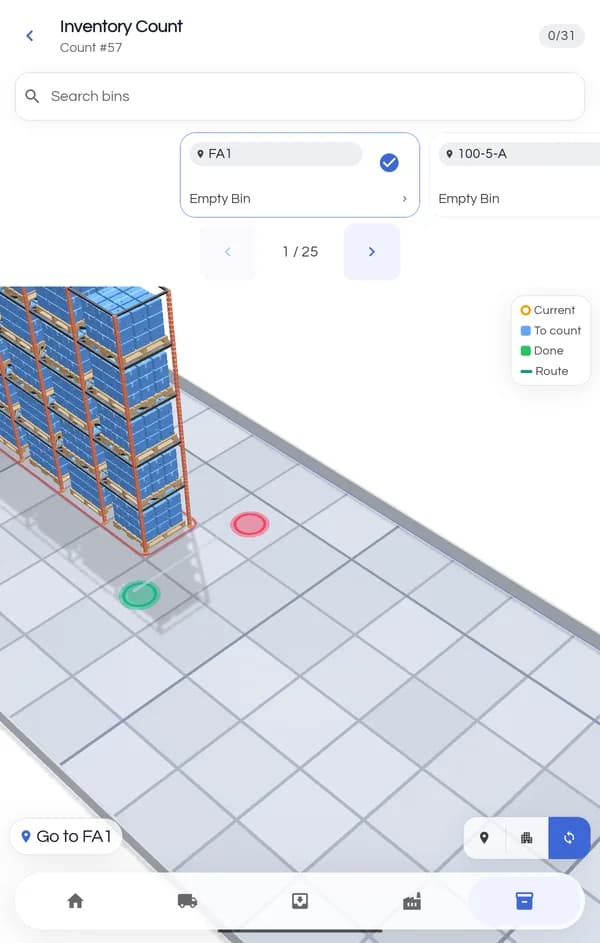
Run guided counts bin by bin, log adjustments with a reason code, and move stock without leaving the aisle.
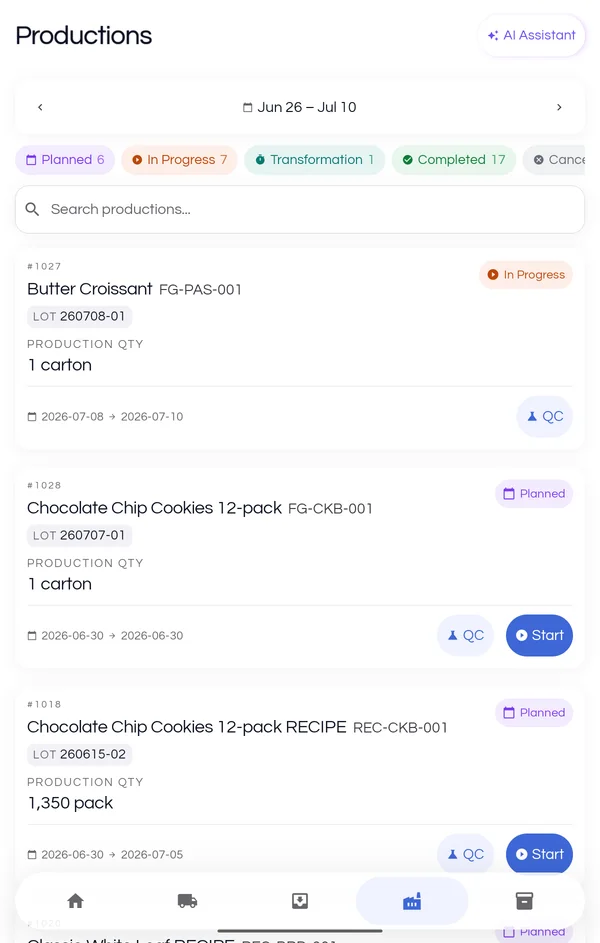
Record ingredient usage against a specific lot, work through preservation steps and close out runs on the floor.
Follow a guided pick plan, scan lots as you pull them, and record what actually left the dock.
Big targets, guided flows and a camera that does the typing. Here is what your team sees.
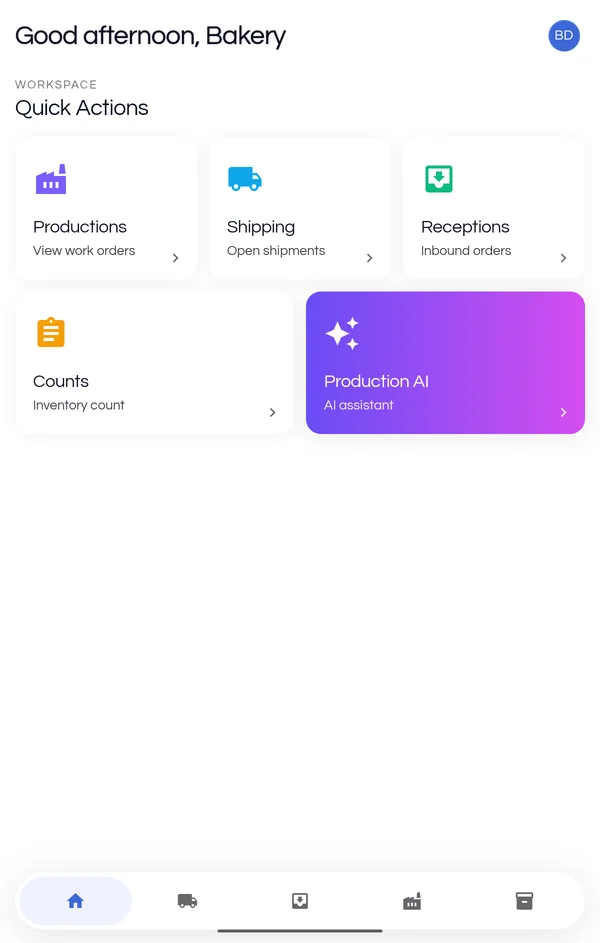
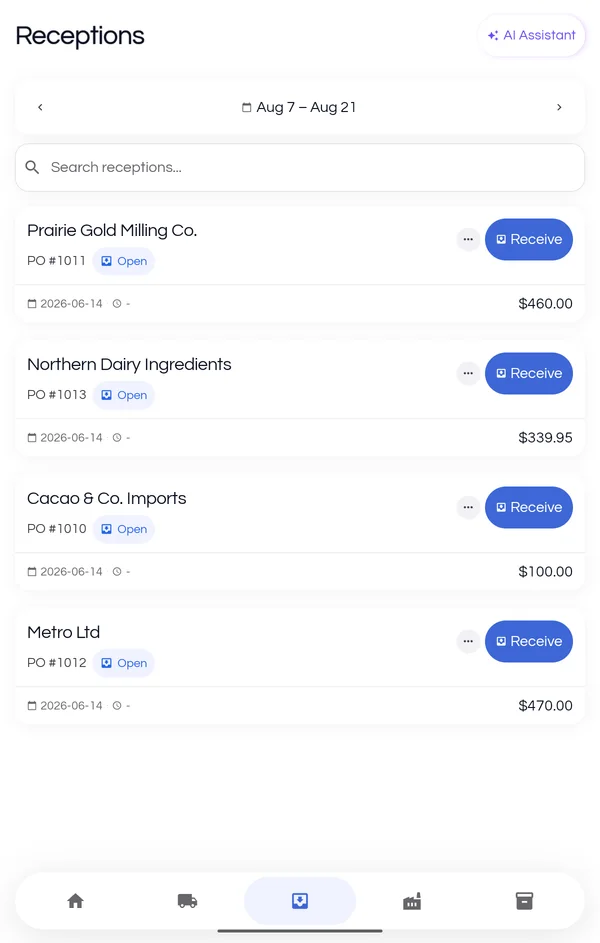
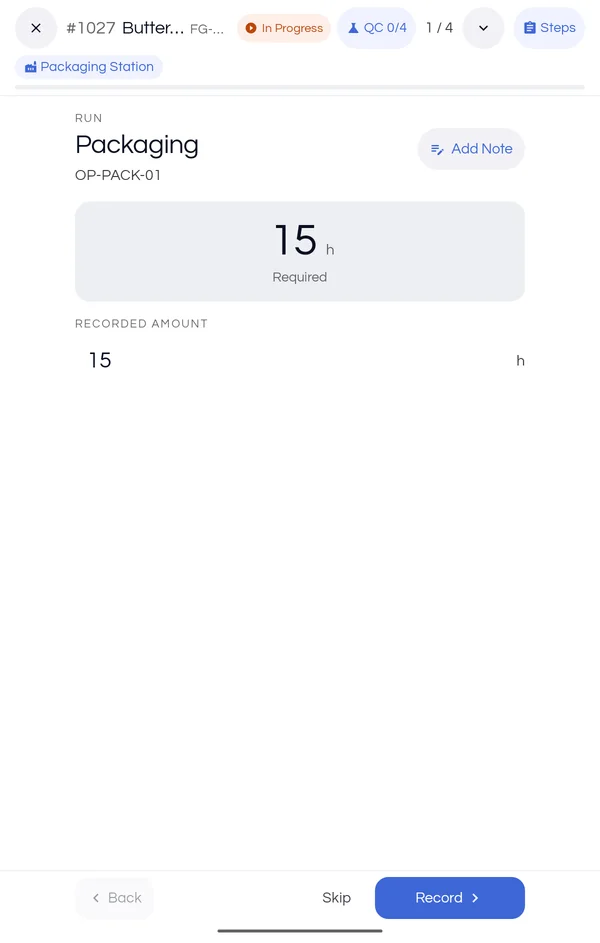
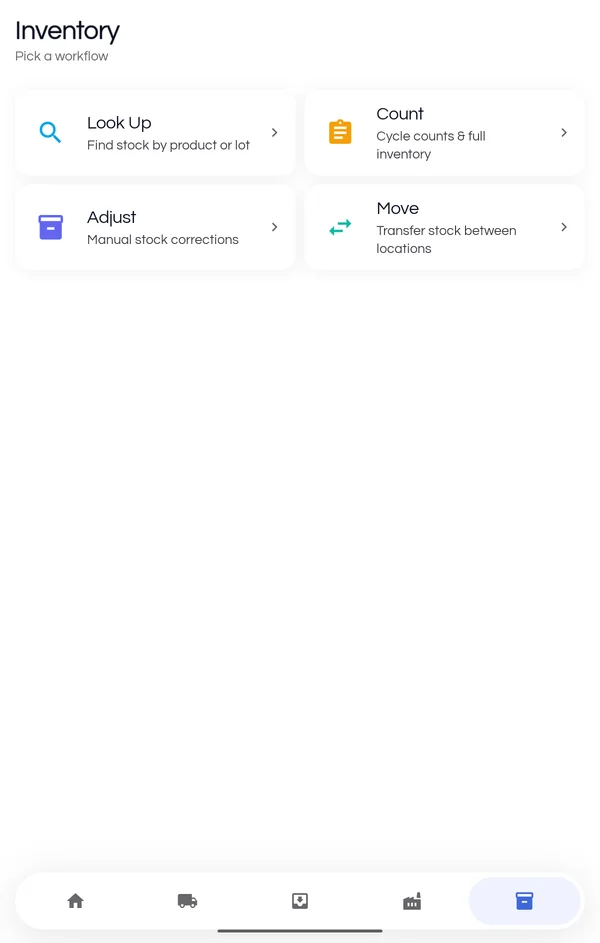
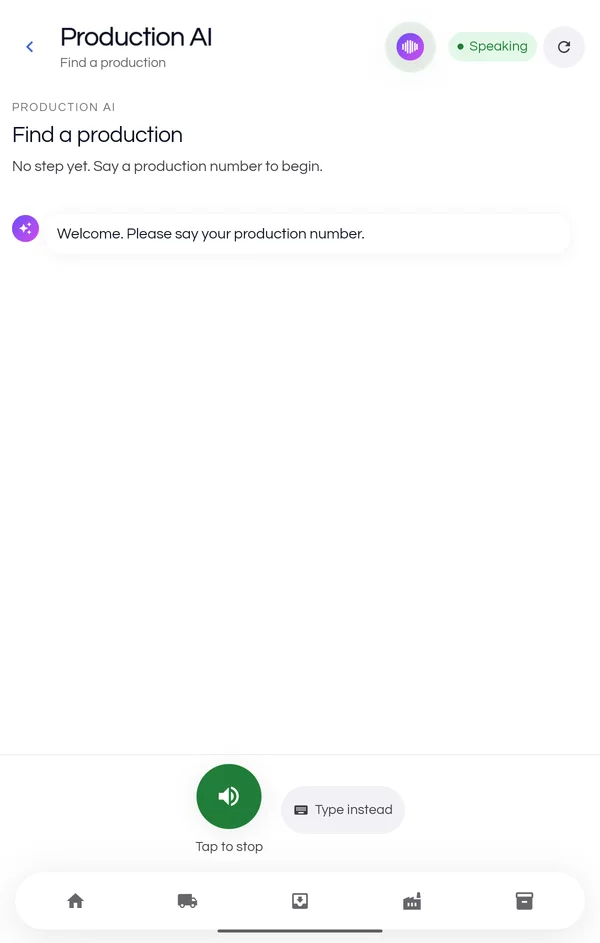
Windows tablets cannot run the Android build, so the same app runs in the browser at floor.nutrasoft.ca — receiving, inventory, production and shipping, with scanning and the voice assistant working the same way. Install it once and it opens in its own window, with its own icon, like any other tablet app.
Open the NutraSoft appBoth work the same way, including the microphone permission the voice assistant needs. Edge is already on every Windows tablet; install Chrome first if your team prefers it.
In Edge, open the ⋯ menu and choose Apps → Install this site as an app. In Chrome, open the ⋮ menu and choose Cast, save and share → Install page as app. Either way the floor app lives on the taskbar and Start menu, without browser tabs or an address bar.
The same credentials as the phone app and the web platform. Updates ship from the server, so a tablet is always on the current version.
Tap the Google Play button on your Android phone or tablet, or scan the code at the top of this page. Either one opens the NutraSoft listing in the Play Store app.
Play downloads and installs the app for you. No settings to change and no security warnings to click through — that only applied to the old direct download.
Use the same email and password you use for the NutraSoft web platform. Contact your licence administrator if you do not have credentials yet.
Google Play keeps the app up to date on your device, and smaller changes arrive over the air — the app checks on every start and applies them on the next launch. You never have to come back to this page for an update.

