Draw the label once, bind it to live lot, weight and order data, and print it as PDF, PNG or Zebra ZPL from the screens your team already works in.
NutraSoft's Label Designer is a complete authoring and printing system built into the ERP: live values read straight from your records, 9 barcode types, a GS1 Application Identifier builder, and a built-in check that catches an unscannable barcode before anyone loads a roll of stock.

A label is the only part of your quality system that leaves the building stuck to the product. It carries the lot number a recall will be traced by, the best-before a retailer will check, the net weight an inspector can weigh against, and a barcode a distribution centre will either scan or turn away at the dock. Designing that in a graphics tool and then retyping the data into it is where most label errors begin.
NutraSoft removes both the retyping and the guesswork. The artwork lives in the ERP, the values are read from the record you are printing, and every barcode is checked against the standard it has to meet before the template can be published.
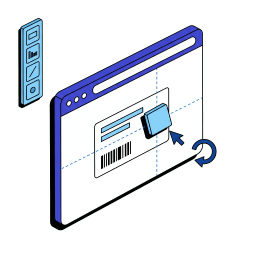
Author the label in the browser with drag, snap and undo. No ZPL to hand-write.
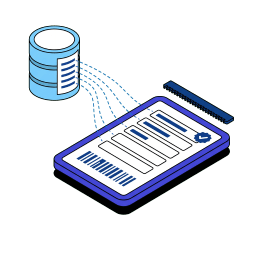
Lot, expiry, weight, location and price resolve from the ERP record at print time.
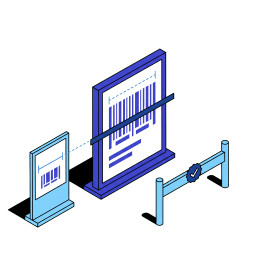
Every barcode is checked against the standard it has to meet before a template can be published.
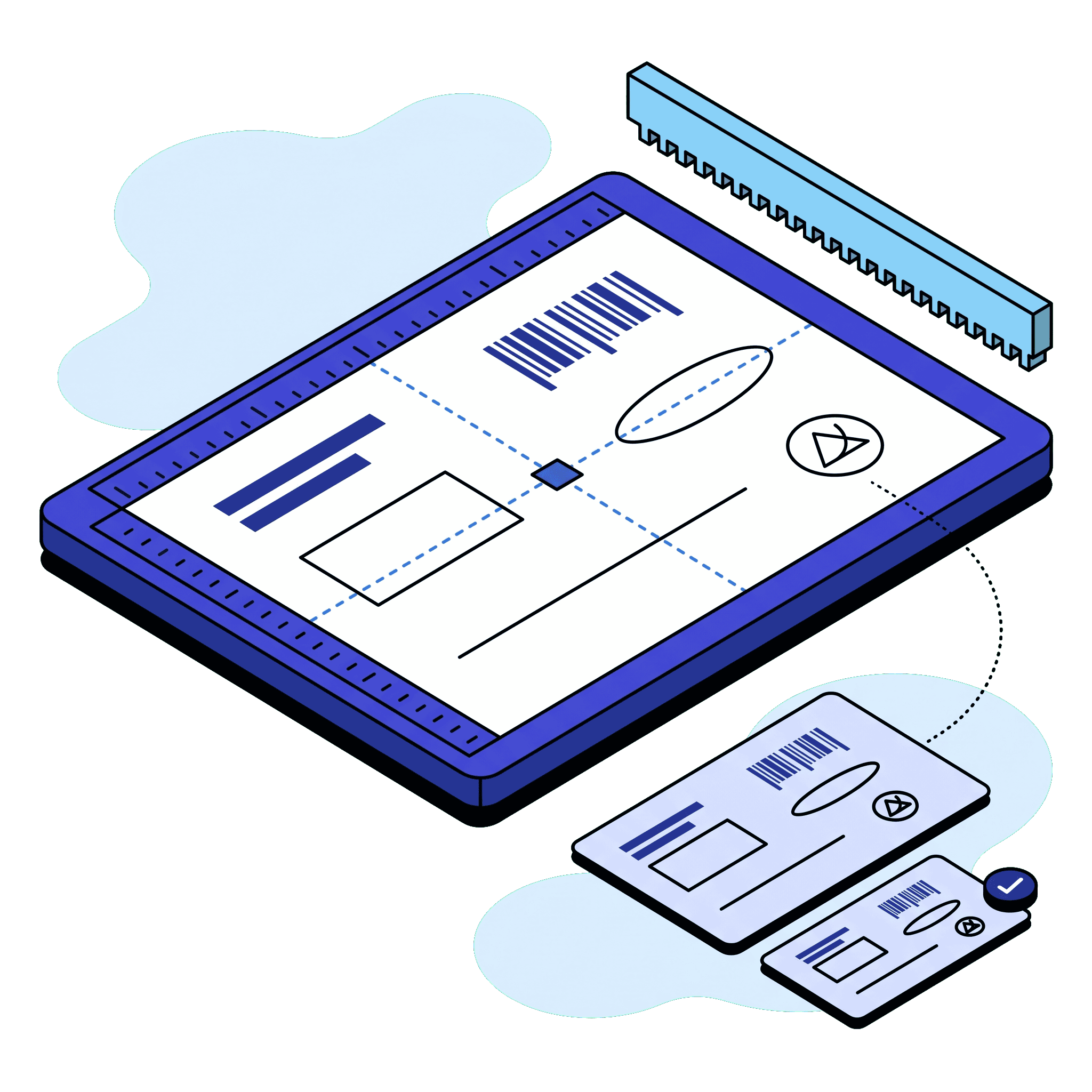
Place text, barcodes, boxes, lines, ellipses and your logo on a zoomable canvas with magnetic guides and snapping. What you lay out is what comes off the printer, whatever resolution it runs at.
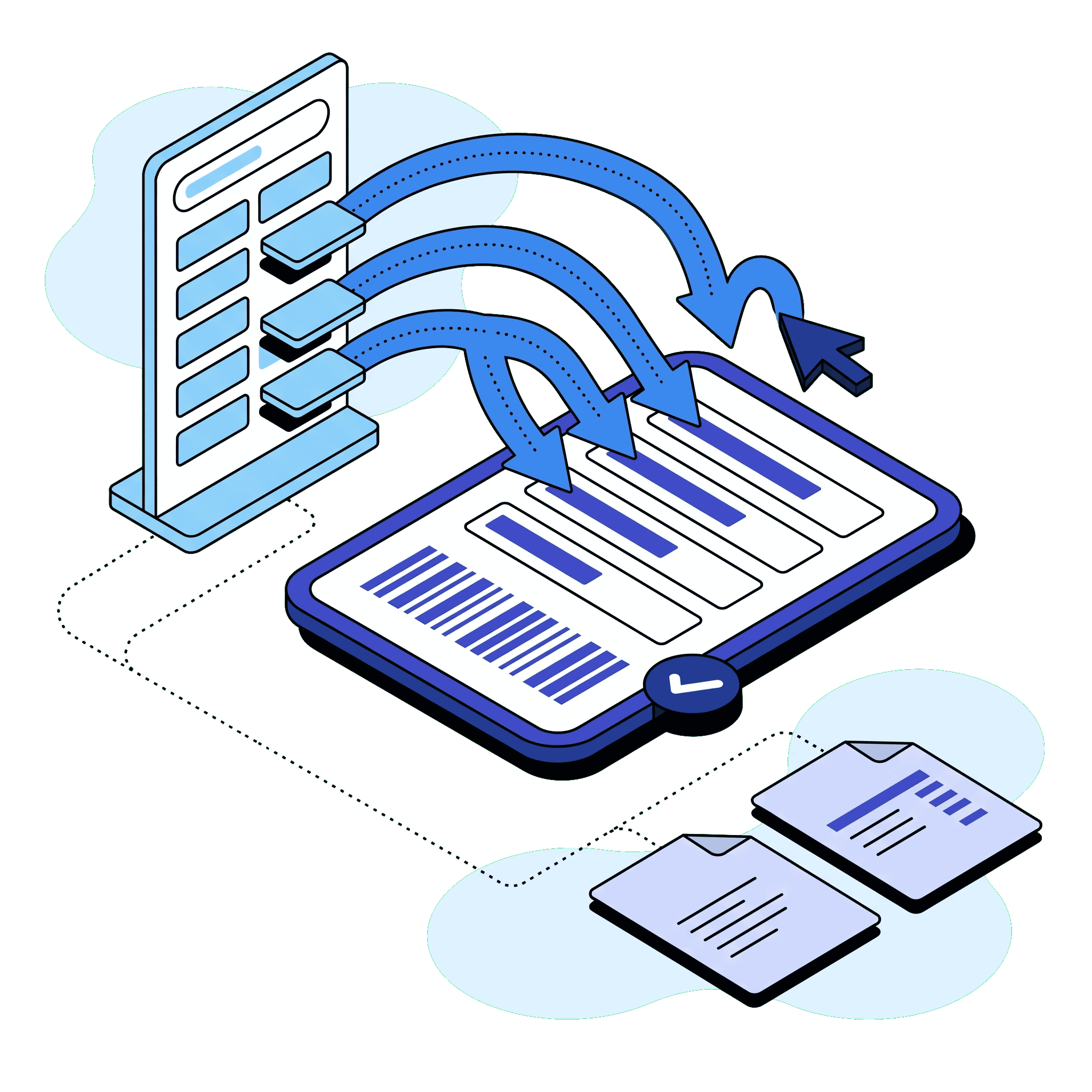
Drop live values onto the label from a searchable catalogue of ERP fields, from your company address block to a lot number, a net weight or a sales order line. Nothing is retyped, and a value the record is missing is asked for on screen at print time instead of being written on by hand.
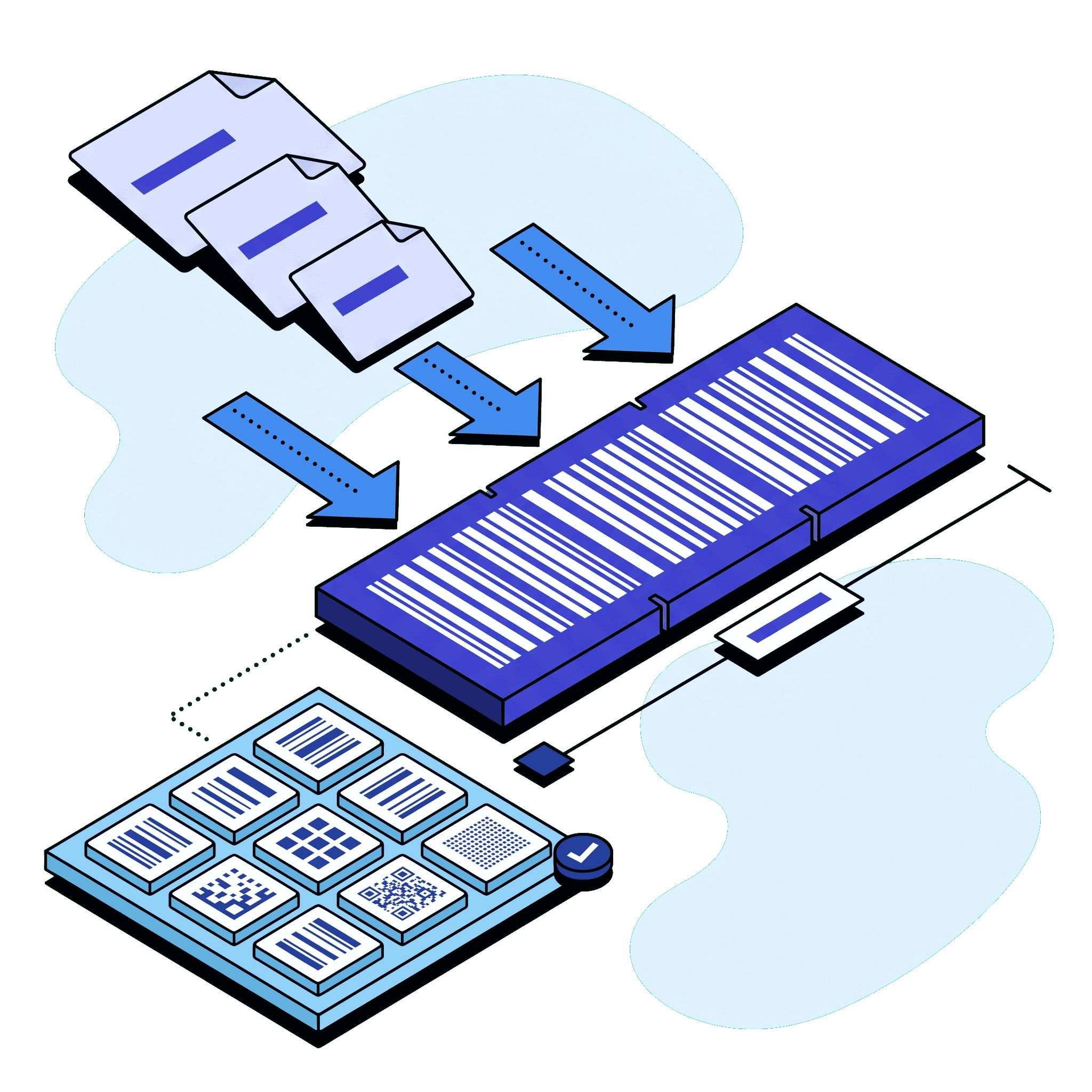
GS1-128, EAN-13, UPC-A, QR Code and more. GS1 symbols are built by picking the Application Identifiers you need, in order, with the printed width shown as you go.
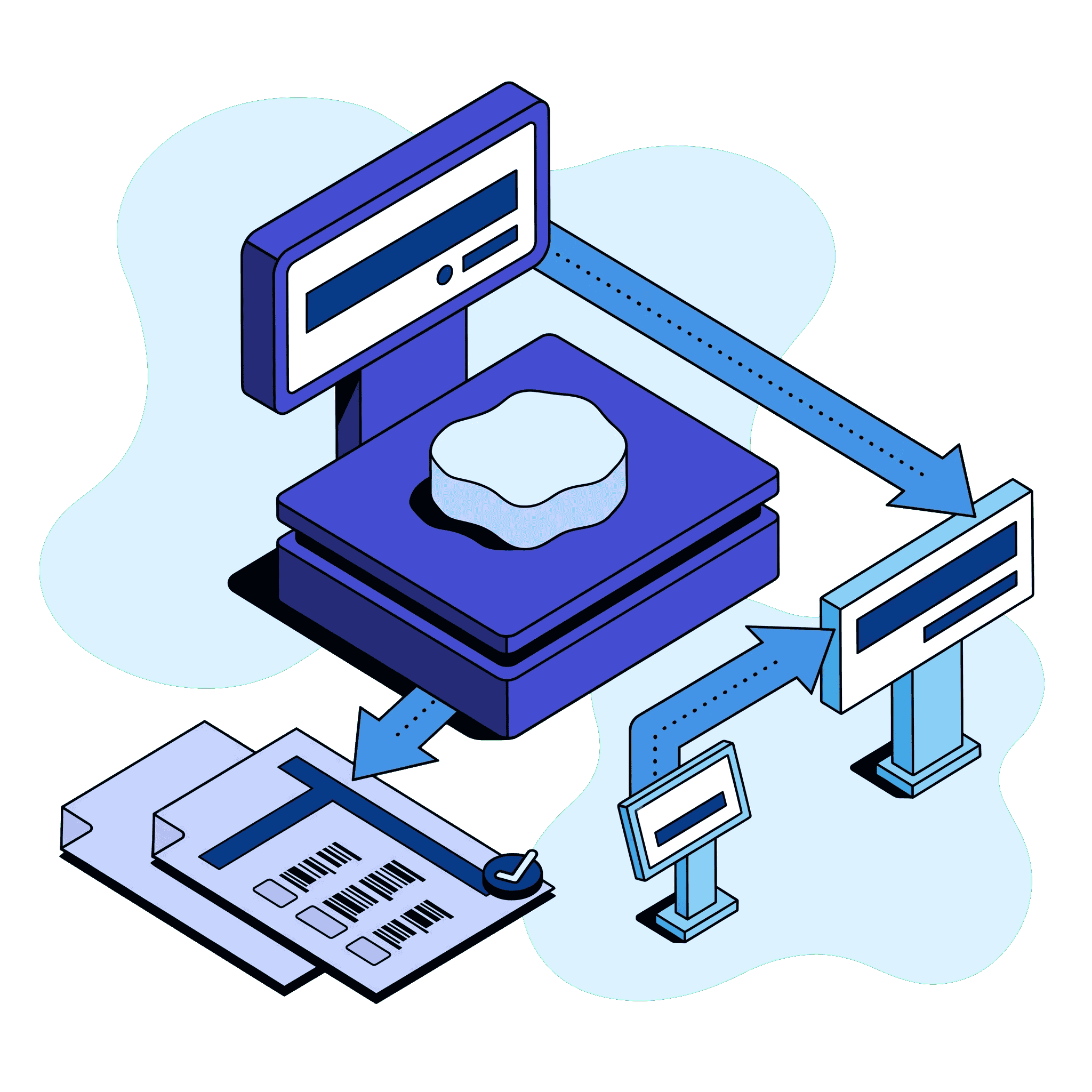
A weighed piece prints its own exact net weight as text and encodes it in AI(3103) with GS1 implied decimals, next to AI(01) GTIN-14 and AI(10) lot. The piece total is calculated from the product's price and the weight actually recorded, never from a formula typed into the template.
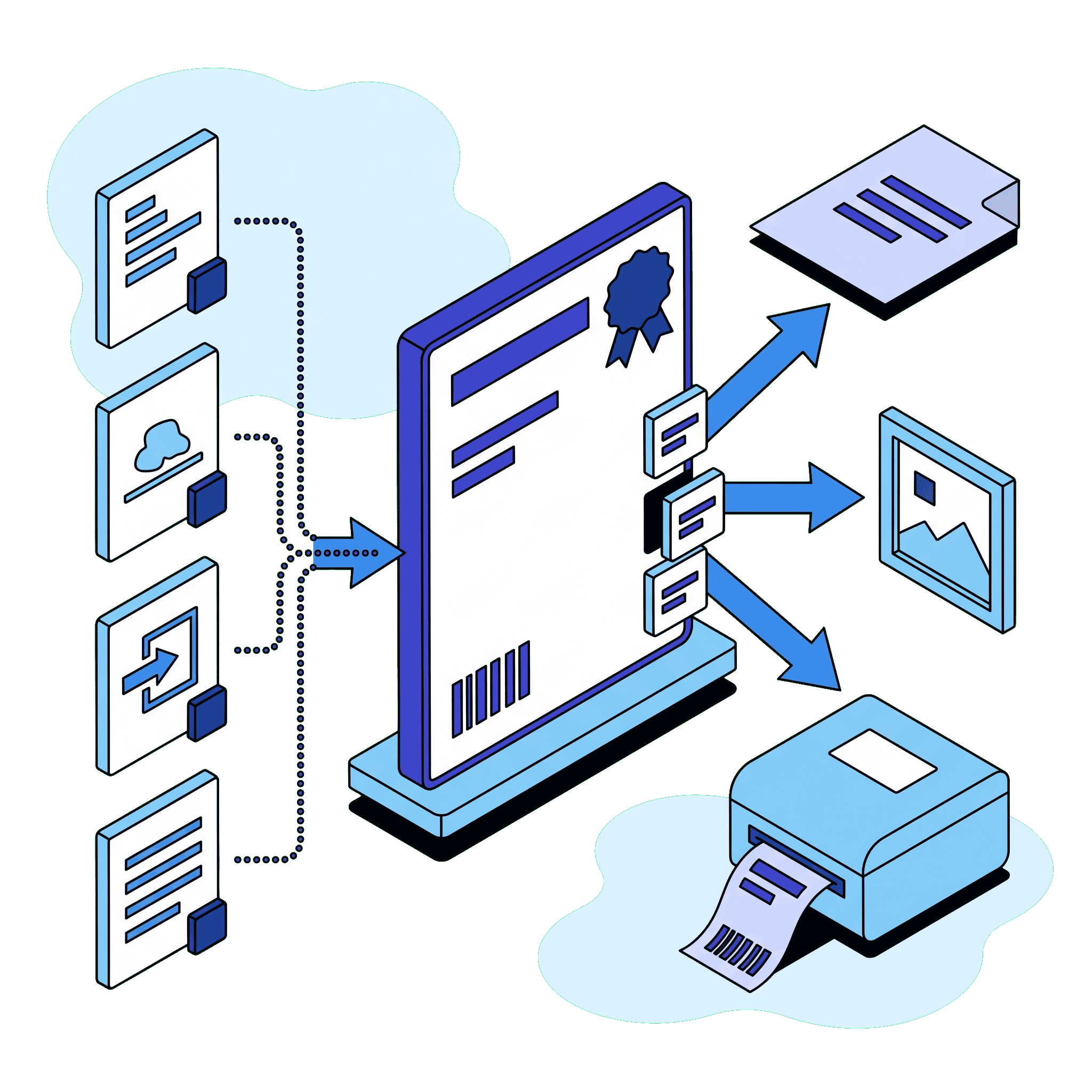
The same published template prints as a PDF, a PNG or native ZPL for your Zebra printers, and the operator picks the format at print time. The print button sits on the screens your team already works from, from a lot or a weighed piece through to a reception or a sales order.
The canvas is above. These are the controls that shape every element on it.
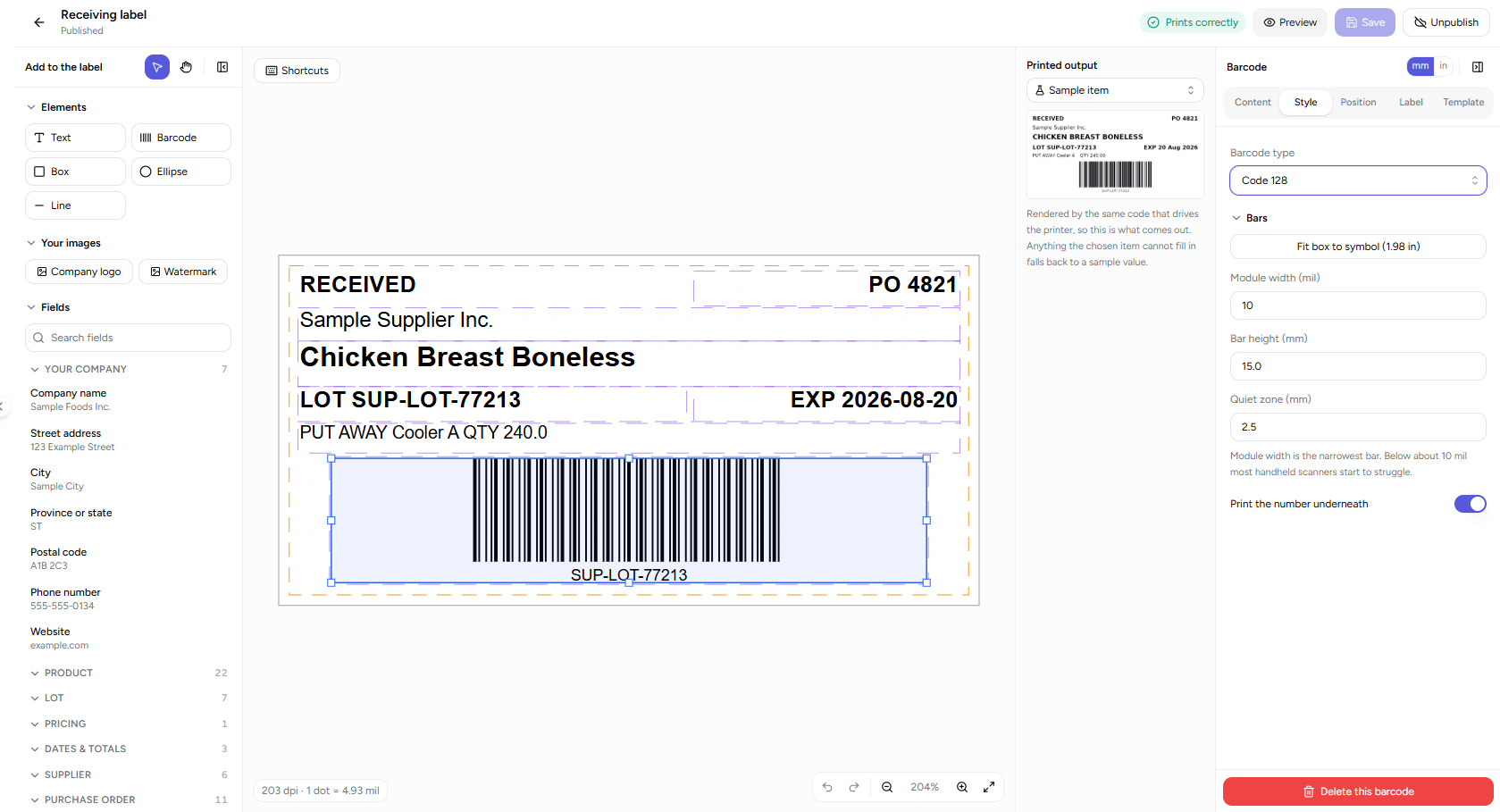
Label stock and print resolution, barcode type and its GS1 identifiers, text formatting and overflow, and snapping, all set against the element you have selected. Every change updates the preview of the label you are about to print.
The Label Designer keeps no copy of your data. Every value on the sticker is read at print time from the record the screen is standing on:
The same path runs from an empty canvas to a labelled pallet:
Name it, choose its purpose from catch-weight piece, catch-weight box, production lot, lot, receiving, shipping, shelf or generic, and start from a blank label or one of the ready-made layouts.
Pick one of the common label stocks or enter your own width, height and gap, then set your printer's resolution along with the grid and safe area you want to work against.
Drag fields onto the label as text or as a barcode, add boxes, lines and your company logo, compose the GS1 identifiers in order, and set alignment, sizing, bold and overflow in the inspector.
Watch the barcode check as you work, read a preview of the real label, then save a numbered version and publish it. Saving and publishing check again and refuse anything still carrying an error.
Attach the template to products for that purpose, optionally to a single customer for private label, then print from the lot, product, production, weighed-piece, reception or sales order screen.
The rules that decide whether a label is accepted at a receiving dock are enforced in the software, not left to the person drawing the artwork:
Design, validate and publish a label yourself. No ZPL to hand-write, no bureau in the loop, no revision fee for a wording correction.
Lot, expiry, weight, location, purchase order, customer and price resolve from the record at print time, so the sticker cannot disagree with the system.
Every barcode is checked for the bar width its standard demands before you can publish, with a warning when its clear space is too tight or its longest possible value would not fit.
Every save keeps a numbered version of the artwork, and a print screen only ever offers a version somebody deliberately published.
Assign a template to a product per purpose and optionally to one customer, so a buyer's own artwork prints from the same production run as the house label.
A blank canvas or a set of ready-made starter layouts, common label stocks plus custom media, and an interface in English, French, Spanish and Portuguese. Separate permissions split viewing, creating, editing, publishing, deleting, assigning and printing, so an operator can run a job without being able to republish the artwork. Your templates, versions and assignments are yours alone, never reachable by another manufacturer on NutraSoft. The Label Designer is included with the Enterprise tier.
Direct answers on GS1 barcodes, catch weight, Zebra printing and label versioning.
Food label design software lets a manufacturer author its own product, lot and case labels and print them from live production data instead of ordering artwork from a bureau. NutraSoft's Label Designer runs inside the ERP, so the lot number, expiry, net weight and barcode on the sticker come from the record being printed.
Nine: Code 128, GS1-128, EAN-13, EAN-8, UPC-A, UPC-E, ITF-14, QR Code and GS1 DataMatrix. Check digits are added for you on retail and case codes, and GS1 symbols are built with a guided picker covering 175 Application Identifiers.
Yes. Every template renders to native ZPL II, with media tracking taken from the label stock you chose. NutraSoft generates the ZPL file and gives it to you to send to the printer. There is no cloud print queue, because plant printers normally sit on a private network the platform cannot reach.
Yes. A weighed piece prints its own exact net weight as text and encodes it in AI(3103) with GS1 implied decimals, next to AI(01) GTIN-14 and AI(10) lot. The piece total is calculated from the product's price and the weight actually recorded, never from a formula typed into the template.
Yes. Products hold paired English and French declared names, ingredient lists, allergen lists and Contains statements, and both members of every pair are bindable, so one template prints the bilingual panel Canadian retail expects. Country of origin, storage instructions and net weight bind the same way.
A barcode check runs as you edit and again when you save or publish. It refuses a symbol too small to scan reliably or too wide for its space, warns when the clear space around it is too tight, verifies typed check digits and, on GS1 symbols, the identifier order, and measures linear barcodes at the longest value they will ever carry, warning you how much room they actually need.
Every save adds a numbered version, with an optional change note; a saved label is never overwritten. Drafts and published labels are kept apart, print screens only offer published templates, publishing re-checks and refuses errors, and the revision history shows what each earlier version printed.
No. Nutrition Facts tables are produced by NutraSoft's Nutritional Analysis product, not by the Label Designer. The designer covers everything around the panel: declared name, ingredient list, allergen statements, net weight, country of origin, storage instructions, lot coding, best-before dates and the GS1 barcode.
The Label Designer is part of the Enterprise tier, and one entitlement covers both authoring templates and printing from them. The standard lot, GS1-128 lot and catch-weight piece and box labels print on the Food Manufacturing plan too. Inside the designer, seven separate permissions decide who may view, create, edit, publish, delete, assign and print, so iterating on a draft and putting a label onto food remain different rights.
Bring the artwork, the data and the print head into one system. Draw the label in the browser, bind it to the lot, weighed piece or sales order it belongs to, publish it once, and print it from the screen your operator is already standing on.
Continue learning about our other modules:
