
 Shopify integration
Shopify orders arrive in NutraSoft as sales orders. Shopify only offers stock you can actually sell. And when you ship, the Shopify order is fulfilled with its tracking number.
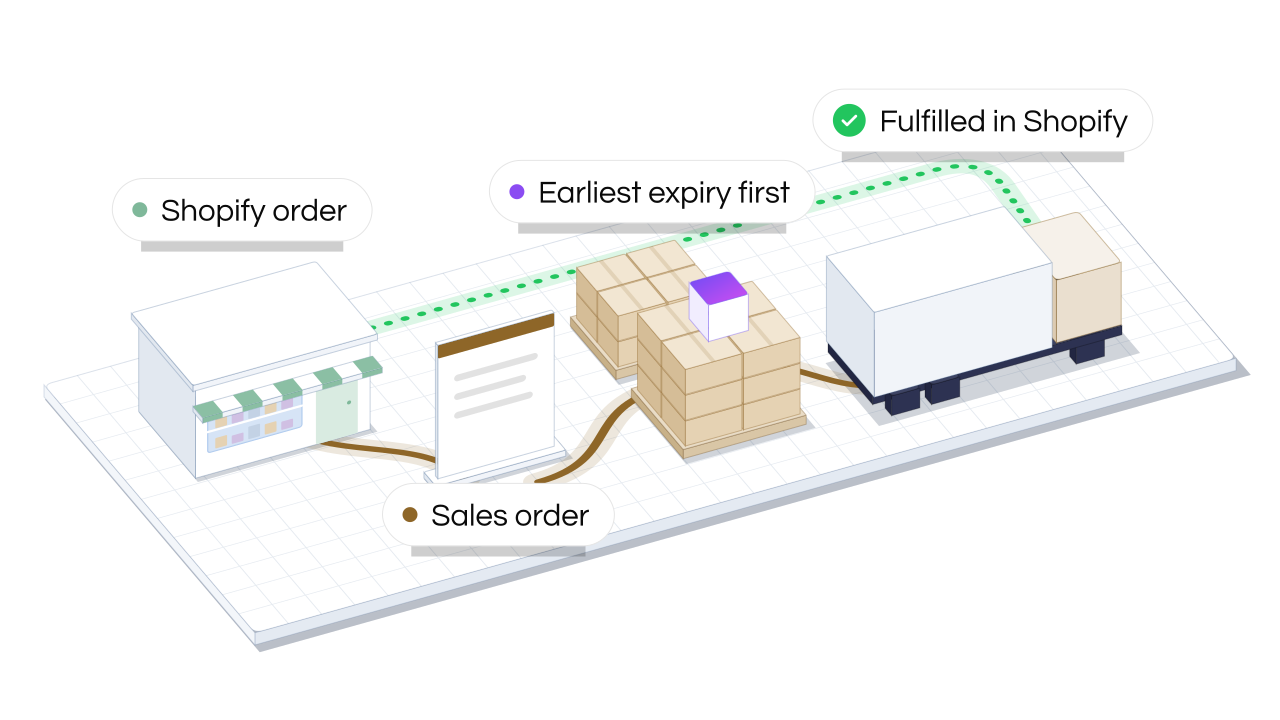
Your customers keep shopping on Shopify. Your team keeps running the plant in NutraSoft. The integration carries orders, stock and shipments between the two.
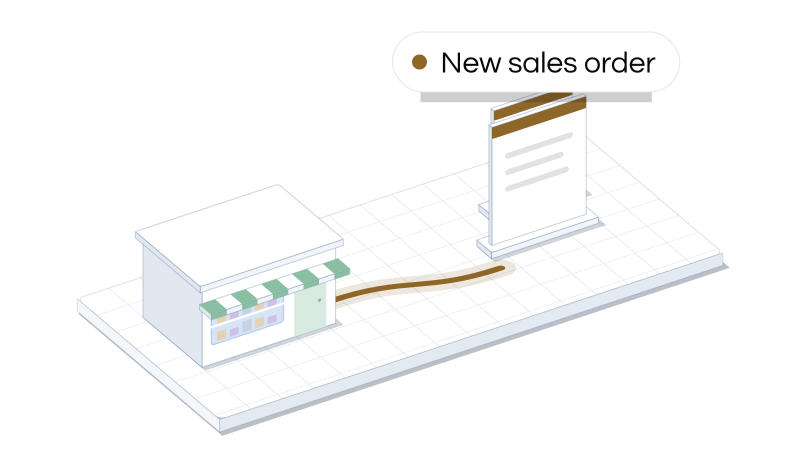
Each new Shopify order becomes a NutraSoft sales order with its customer, lines, shipping and taxes. It usually takes moments, and an hourly check picks up any that were missed.
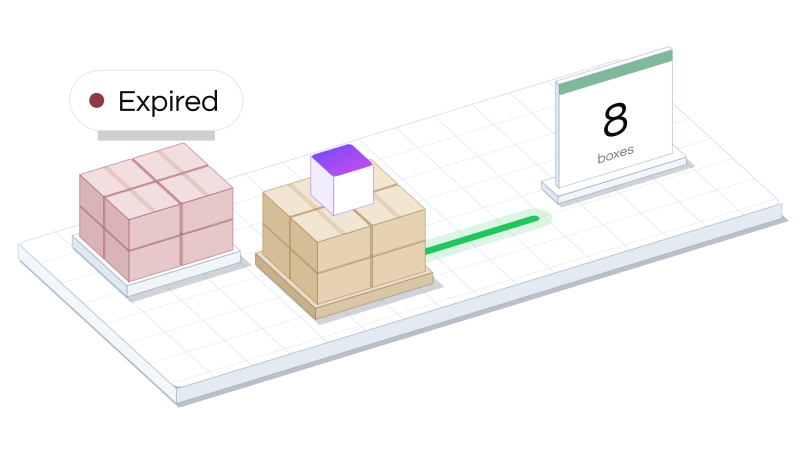
Shopify is told how much you can sell at each location: the stock in the matching warehouse, minus anything expired, on QC hold or already promised to an order.
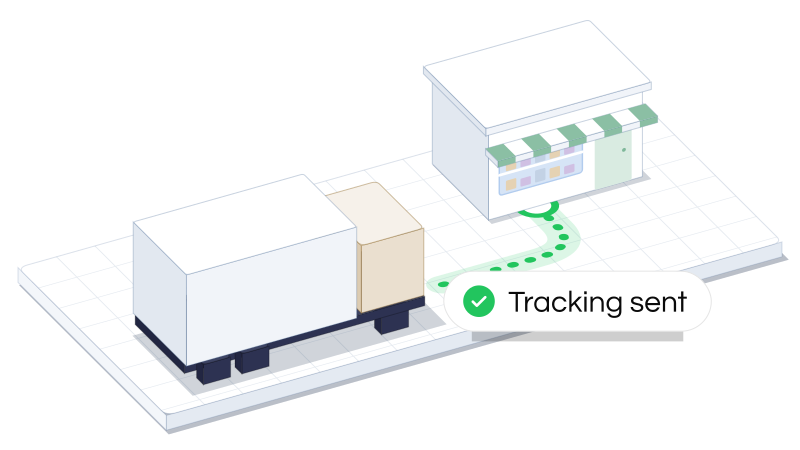
Confirm the shipment in NutraSoft and the Shopify order is fulfilled with its tracking number and carrier, so Shopify can let the customer know.
Nothing is copied both ways, so Shopify and NutraSoft never argue about which one is right.


New orders become sales orders, ready to pick.
Added or removed lines, new quantities and cancellations follow the order.
Matched to your customers by Shopify ID, then by email. Guest checkouts go to a walk-in customer you choose.
Turn it on and what the shopper paid is recorded against the invoice.
For each Shopify location, sent whenever stock moves and checked again every day.
Sent the moment you confirm the shipment.
Title, description, price, SKU, barcode, weight, cost, image or status: pick what NutraSoft keeps up to date.
Create Shopify products from NutraSoft products. They arrive as drafts for you to finish.
Stays in NutraSoft. Lots, expiry dates, recipes, costs and QC results. Shopify only ever sees a quantity.
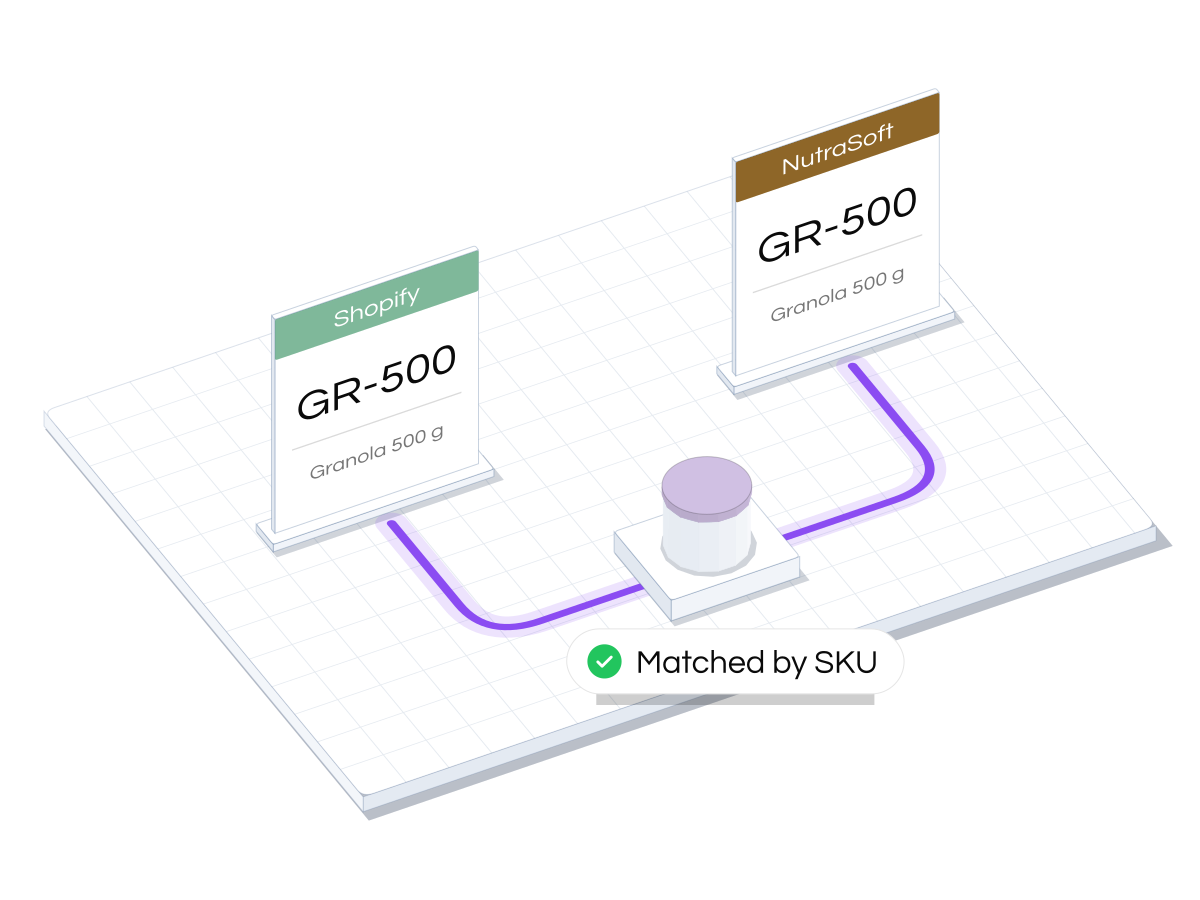
NutraSoft matches each Shopify variant to one of your products by SKU, then by name, and you confirm the matches on one screen. Every size and flavour links to its own NutraSoft product.
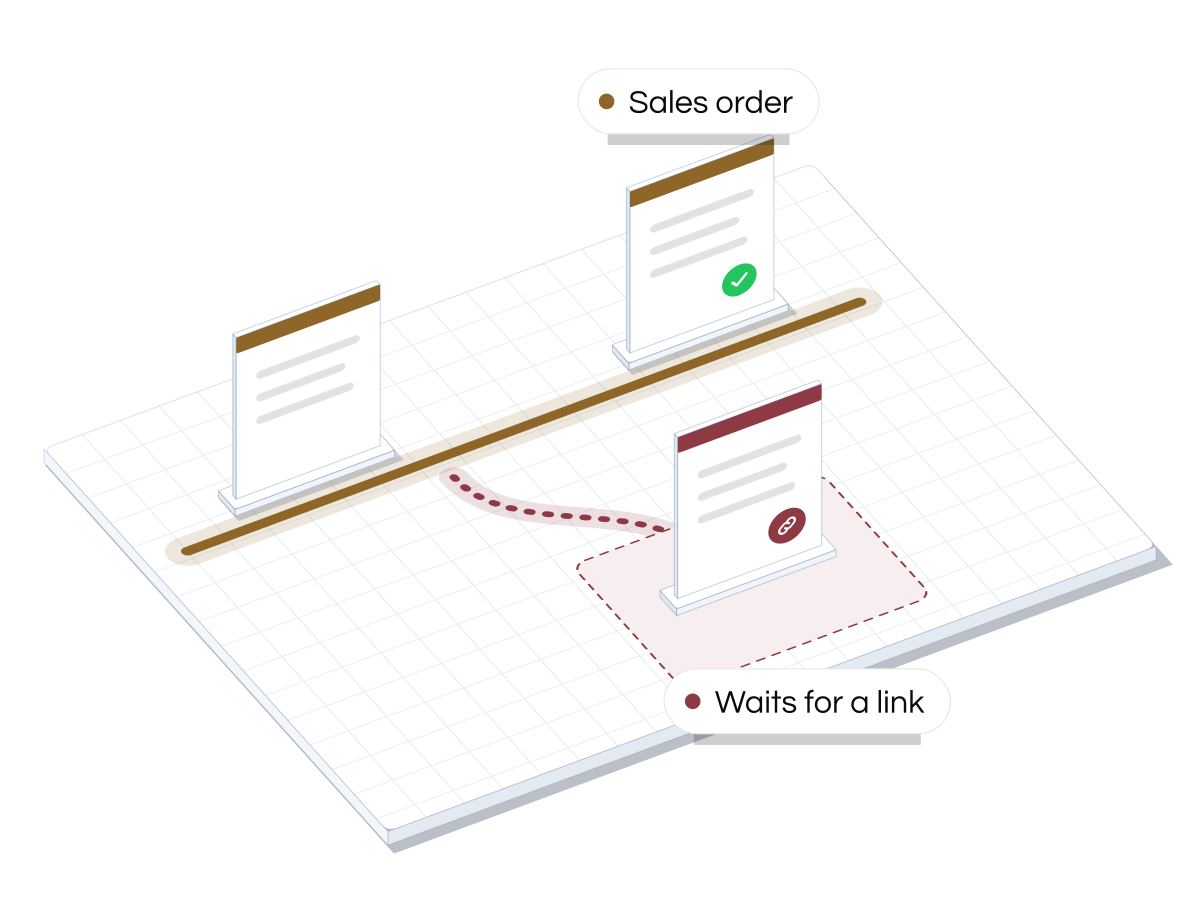
If an order includes a product that isn't linked yet, the order waits instead of guessing. Link the product and the order comes in on its own.
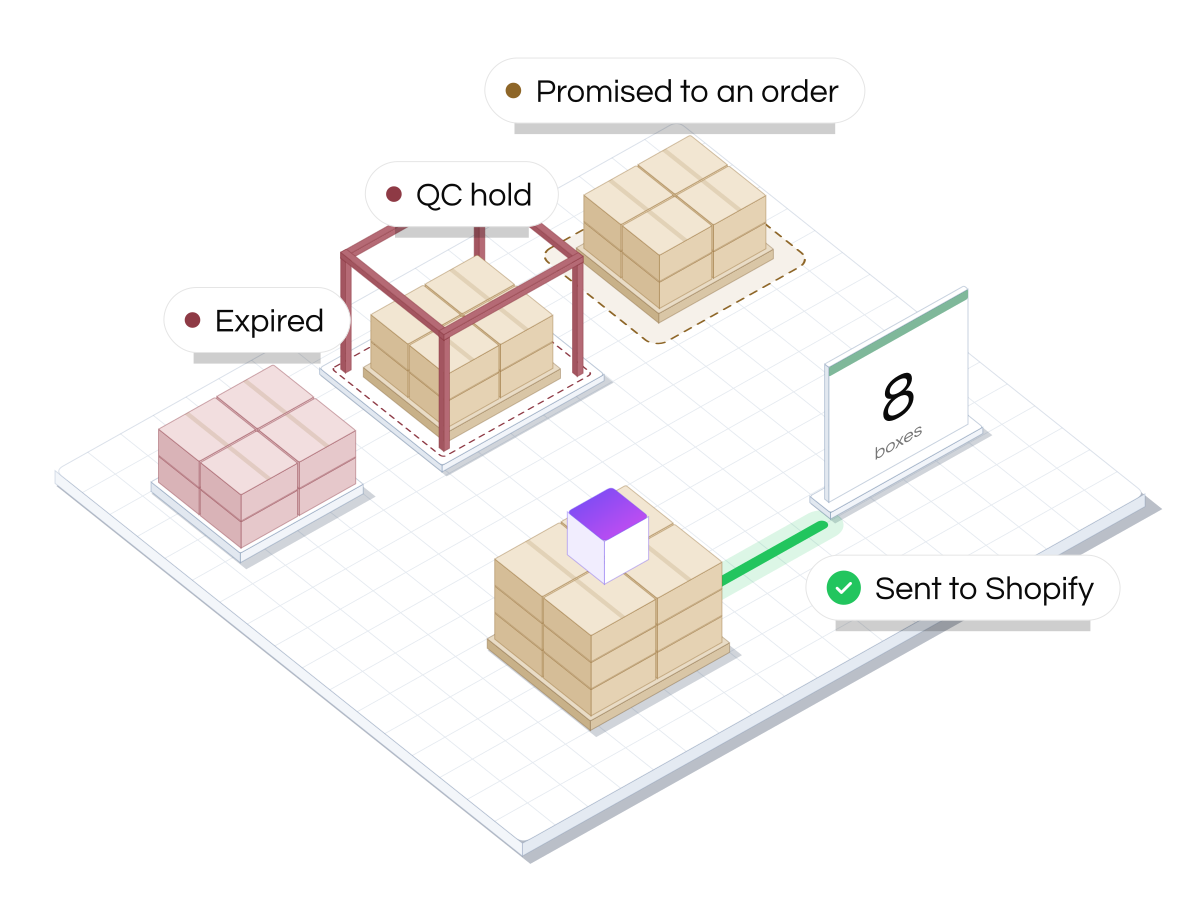
Expired lots, lots on QC hold and stock already promised to open orders stay out of the number Shopify sees. Products sold in packs are counted in packs, so 126 bars show as 10 boxes of 12.
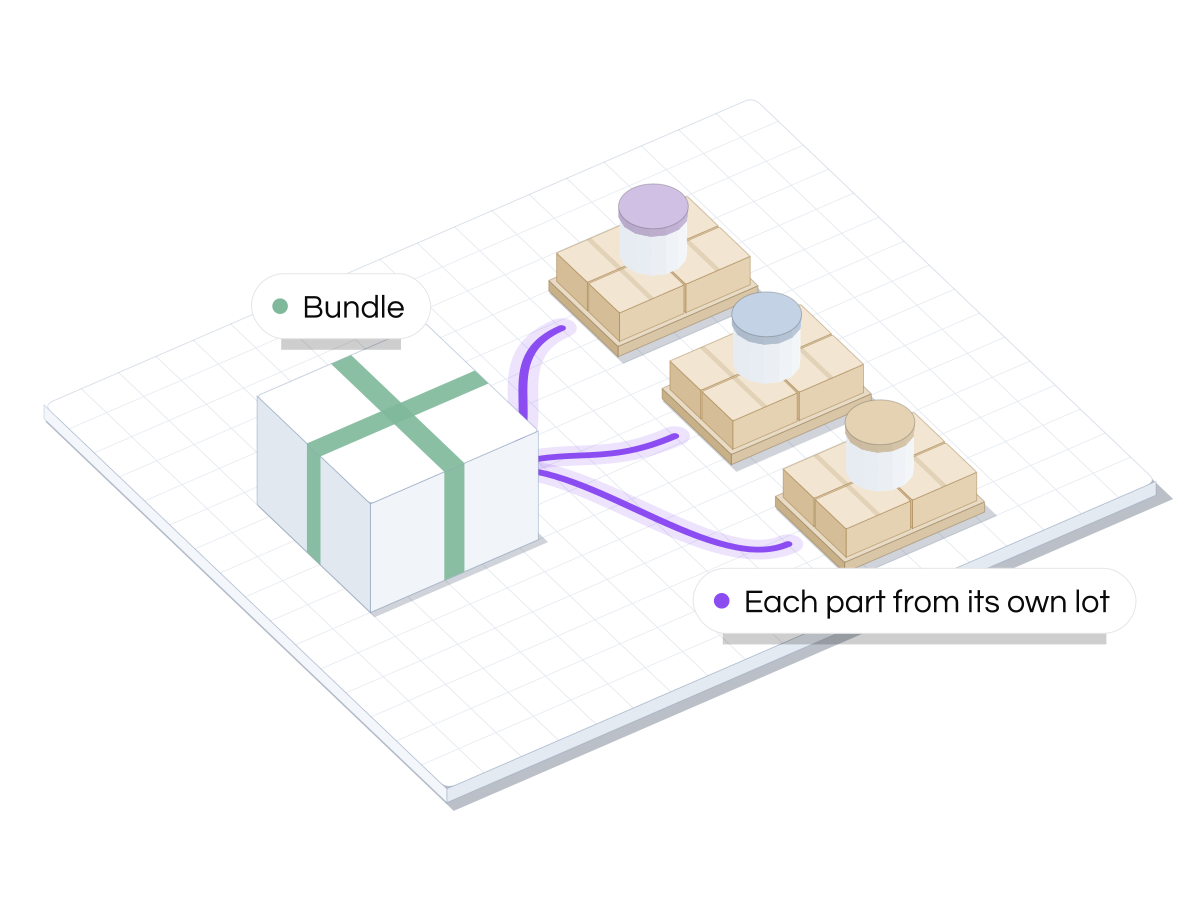
Use Shopify's own bundles. The order arrives as the products inside the bundle, so each one comes off its own stock and ships from its own lot.
A Shopify order is an ordinary sales order once it lands, so it uses everything the plant already has.
Everything is set up from Integrations → Shopify in NutraSoft.
Sign in to Shopify from NutraSoft and approve the connection.
Tell NutraSoft which warehouse stocks each Shopify location.
Confirm the SKU matches, and create any missing Shopify products as drafts.
Pick the walk-in customer, how shipping charges are billed and whether open orders hold stock back.
New orders arrive as sales orders and Shopify's stock keeps itself up to date.
Every online order is already in NutraSoft when the picker starts the day.
Shopify only offers stock that isn't expired, held or promised to someone else.
They ship from real lots, so a recall reaches your online customers too.
Lines on a Shopify order change in Shopify only, so the two systems never disagree about what was bought.
What food and beverage brands ask before connecting their store.
No. You link Shopify products to your NutraSoft products, matched by SKU and then by name. If something exists in NutraSoft but not on Shopify, NutraSoft can create it in Shopify as a draft. Customers are created in NutraSoft only when they place an order.
No. Lots, expiry dates and QC stay in NutraSoft. Shopify gets one number per product and location: how much you can sell. When the order ships, NutraSoft picks the lots, earliest expiry first, and you can change the pick before confirming.
It waits, and NutraSoft shows it as waiting for a link. As soon as you link the product, the order comes in on its own.
No. Buy the label the way you do today, add the tracking number to the sales order and confirm the shipment. Shopify gets the tracking number and can email the customer.
Not its products, quantities or prices. Change those in Shopify and NutraSoft follows. You can still ship in parts, and set dates, tracking and notes in NutraSoft.
Yes, using Shopify's own bundles. The order arrives as the products inside the bundle, so each one comes off its own stock and lot.
They aren't synced yet. Handle the refund in Shopify, and if goods come back, adjust the stock in NutraSoft.
One store per NutraSoft account for now.
Both ERP plans, Manufacturing and Enterprise.
Book a demo and we'll follow one order from Shopify to the truck and back.
Continue learning about our other modules:
